
Prompt
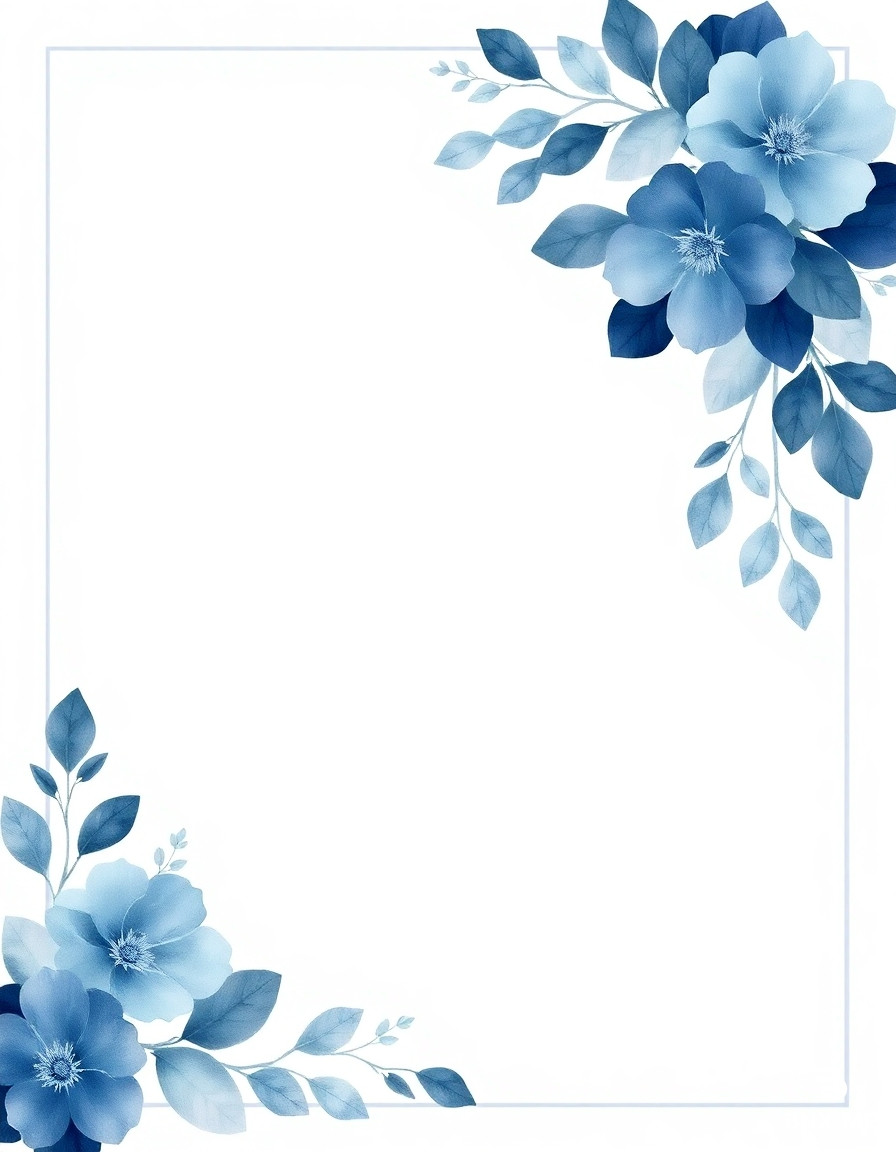
Create a clean, textless Persian wedding invitation template in a square format. Keep all decorative elements, borders, lines, and floral shapes, but remove every piece of typography, numbers, and calligraphy so the center remains blank. Design: a white background with a thin, elegant square border line in light gray. Inside the border, keep generous negative space. Floral decoration: watercolor-style blue flowers and leaves clustered mainly in the top-right corner and bottom-left corner, with soft gradients and semi-transparent petals. Use shades of dusty navy, slate blue, and soft azure, with subtle gray-blue shadows. Add a few small, delicate line-art leaves and tiny floral accents in pale blue around the corners to balance the composition. The florals should feel hand-painted, with visible watercolor texture, soft bleeding edges, and layered washes. Maintain a refined, modern, romantic stationery look. Center area must be completely empty (no text, no numbers, no logos, no watermark). High resolution, crisp border lines, soft natural lighting, minimal shadows. Negative prompt: text, letters, numbers, Persian calligraphy, English words, watermark, logo, stamp, signature, QR code, harsh contrast, clutter, photo background. --ar 1:1 --style raw --q 2
Engine
BNX AI 1.0
Size
3:4
Created
13 May, 2026
Views
10
Downloads
2
Share
HTML Code
This is just one of the features of our unique system. Our model works very quickly and accurately. It uses advanced artificial intelligence and creates high-quality images.

ㅤBNX AI algorithms run on proprietary clusters built on NVIDIA GB300 NVL72 systems.

ㅤGeneration of images with any aspect ratio: 1:1, 2:3, 3:2, 4:5, 5:4, 4:3, 3:4, 16:9, 21:9, 9:16, 9:21

ㅤThere is nothing superfluous in our interface, only a prompt input field.

Our prices are on average 83% cheaper than those of large AI companies.

Even on the free plan, you can download generated images without restrictions.

Our own algorithm. Fast, modern. Almost perfect. Developed over 2 years.
Answers to frequently asked questions about working with the BNX AI 1.0 image generation system.
We are a young, technology-driven, growing startup. At the moment, we are not attracting funding from venture capital funds or business angels, so we would appreciate any support. You can sign up for the Enterprise plan, which will help us. 💙

When generating an image, you can open the options and enable stealth mode, then the images will not be added to the public database and no one will see them; they will be private.
We trained the BNX AI 1.0 algorithm for over a year, and it is equally adept at generating various types of images: illustrations, architecture, portraits, super-realistic images, 3D models, logos, and much more. We managed to achieve very good results when working with text, so it is easy to create both a logo and a poster.
You may use the images at your discretion. Professional and Enterprise plan users may use the images for any commercial purposes. They may also sell these images. We ask Standard plan users to include a link to bnx.me when publishing images, but this is not a mandatory requirement.